
Queue
A queue holds print jobs until a printer starts them. Each printer has its own queue, which holds the print jobs uploaded to it. Each Printer Group also has a group queue, the Fleet Control queue in Dashboard, which holds the print jobs sent to the group until a printer in the group is ready.
How a print job moves through the queues#
A print job goes to one printer's queue, or to a group queue that hands it to the first ready printer:
flowchart LR
    code["print_scene"] -- "printer: serial name" --> pq["Printer queue"]
    code -- "printer: queue ID" --> gq["Group queue<br/>(Dashboard)"]
    gq -- "a printer is ready" --> pq2["Printer in the group"]
    pq --> start["Operator starts<br/>the print job"]
    pq2 --> start
Queue a print job on a printer#
The print_scene method with print_now=False does what Upload to Queue does in PreForm: it uploads the print job to the printer's own queue. An operator starts it on the printer's touchscreen when the build platform is ready. For more information, see Starting a print job on the printer touchscreen.
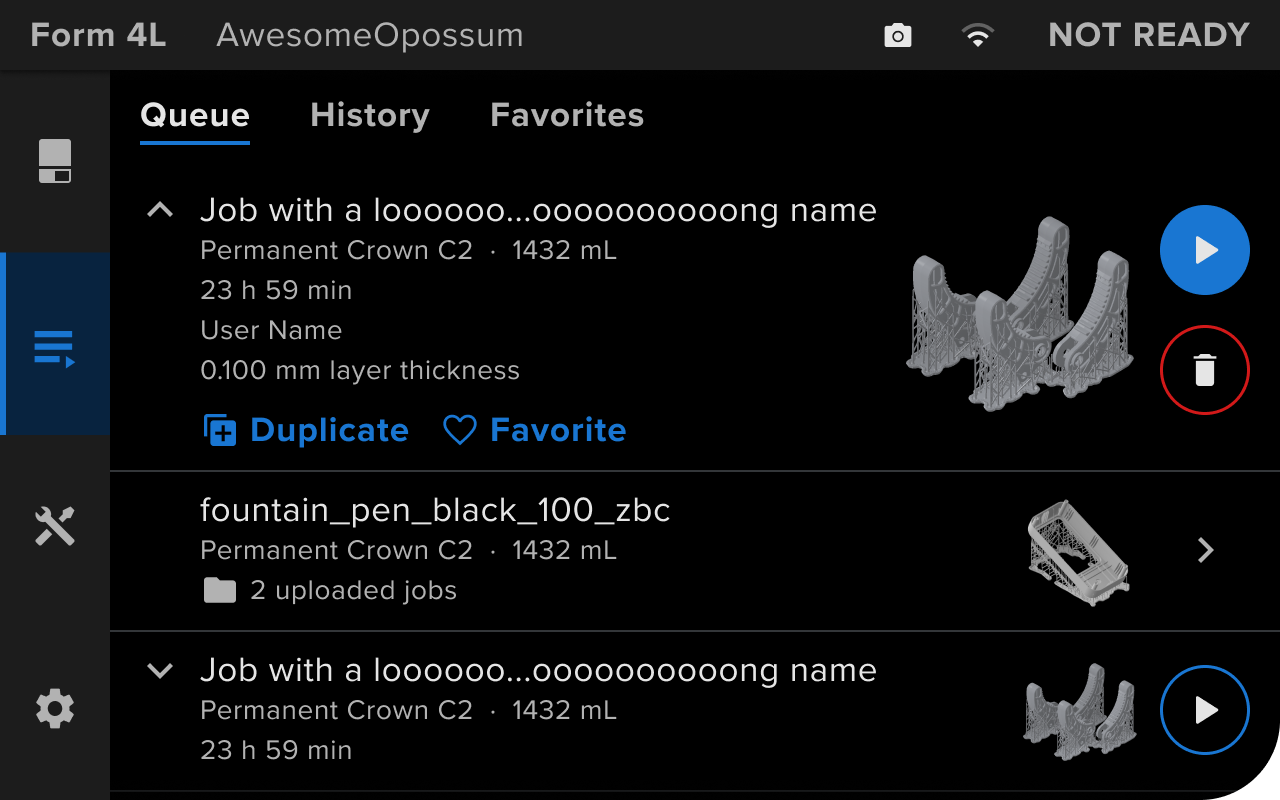
Send a print job to a group queue#
To send a print job to a Printer Group, pass the group's queue ID as the printer. The queue ID is the dashboard_queue_id field in the group's device record, and PreForm must be logged in to the account that owns the group:
# A queue ID as the printer sends the print job to the group queue.
job = preform.print_scene(
    scene_id=scene.scene_id,
    printer=QUEUE_ID,
    job_name="bracket",
)
A group queue can't start a print job immediately, so print_now=True fails with OPERATION_FAILED. When PreForm can't find the queue within find_printer_timeout_seconds, 30 seconds by default, the operation fails with the same error. For more information, see Group.
How a group queue picks a printer#
Dashboard sends the next print job to a printer in the group when that printer is ready to print with the right consumables. Until one is, the print job waits in the queue. In Dashboard, an operator reorders, duplicates, and deletes queued print jobs:

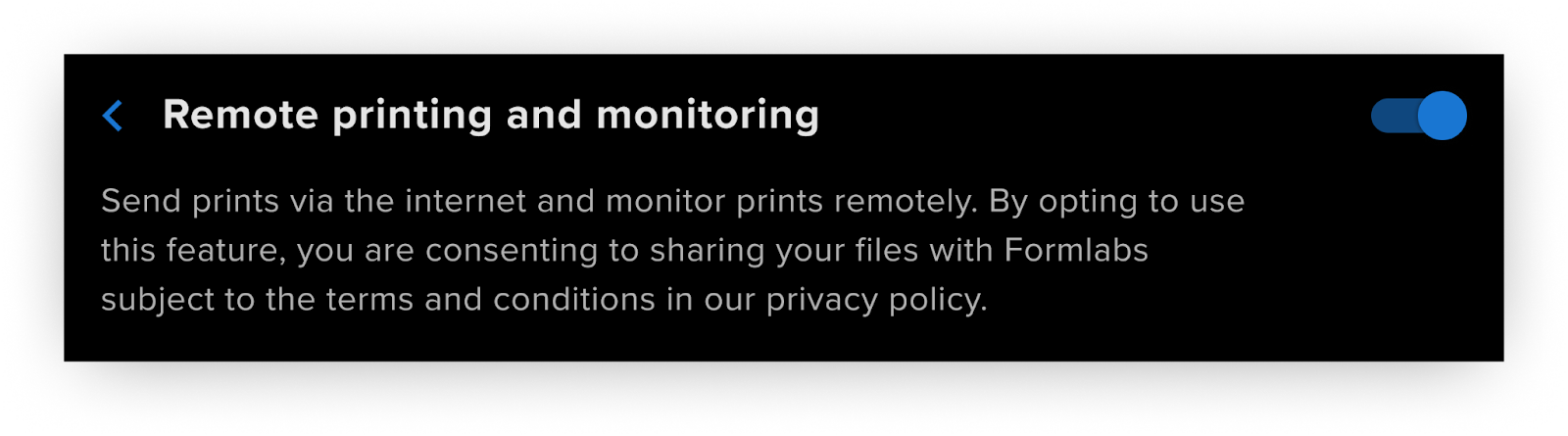
A printer takes print jobs from the group queue only with remote printing turned on:
For more information, see Using Group Queues in Dashboard.