
Scene
A scene is the server-side state of one build: a printer type, a material, a layer thickness, a print setting, and the models placed in the printer's build volume. It's the same thing you see in the PreForm window. Every PreForm API call that changes a model names the scene it belongs to by its scene_id.
One PreForm process holds several scenes, so a script can prepare several builds in one session. For example, a service bureau that receives orders in two materials creates one scene per material and imports each order into the matching scene.
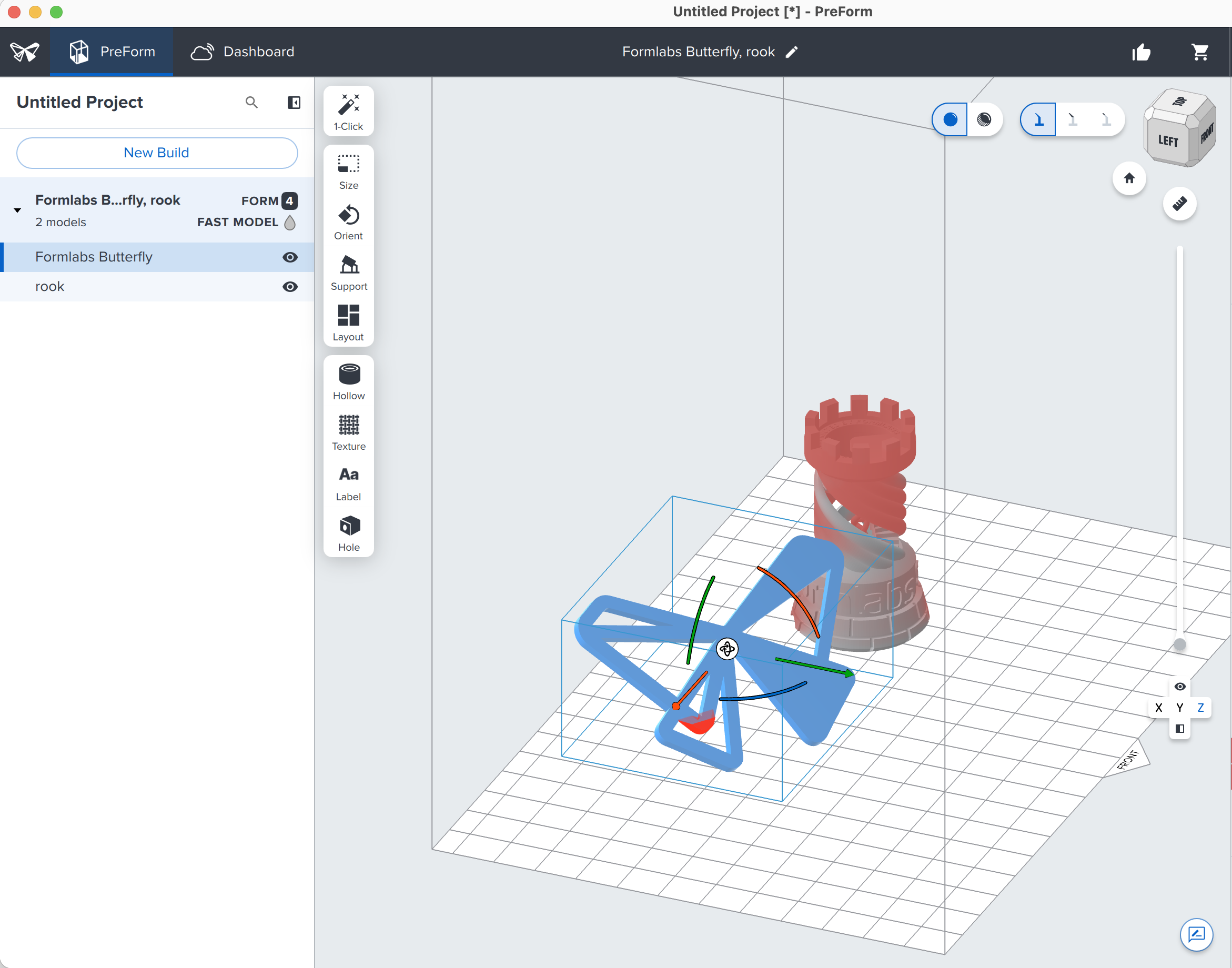
What a scene holds#
A scene ties the models to the settings they print with:
flowchart LR
    subgraph scene["Scene (scene_id)"]
        settings["Scene settings: machine type, material, layer thickness, print setting"]
        m1["Model"]
        m2["Model"]
        m3["Model"]
    end
    settings -. applies to .-> m1 & m2 & m3
    scene -- "slice" --> job["Job"]
    scene -- "save" --> form[".form file"]
- Scene settings: The machine type, such as
FORM-4-0, the material code, such asFLGPGR05, the layer thickness, and the print setting. Together they select one print setting that Formlabs ships. - Models: Each imported mesh, with its position, orientation, and supports. For more information, see Model.
- Derived values: The build volume, which comes from the machine type, and the material usage and layer count, which PreForm recalculates as the models change. For an example that prices a build from its material usage, see Instant quote.
In PreForm, the Summary section of the side panel shows the derived values:
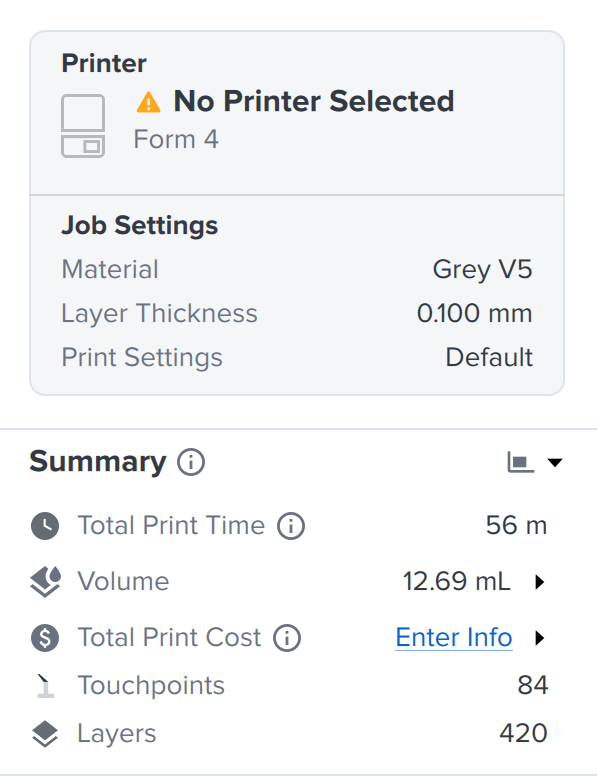
layer_count and material_usage.In PreForm, the scene settings are the choices on the Job Setup screen:
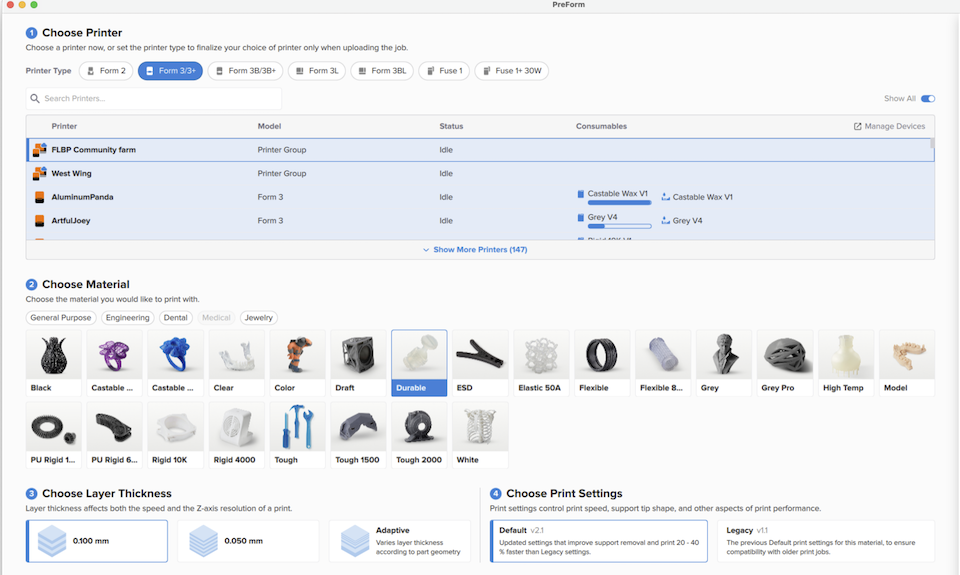
create_scene.For more information, see Introduction to the PreForm Print Settings Editor.
Create a scene#
The create_scene method takes the scene settings and returns the new scene:
# PreForm rejects a combination that Formlabs doesn't ship.
scene = preform.create_scene(
    machine_type="FORM-4-0",
    material_code="FLGPGR05",
    layer_thickness_mm=0.1,
)
# create_scene answers with the new scene's id and settings; get_scene has the rest.
build_volume = preform.get_scene(scene_id=scene.scene_id).build_volume
print(scene.scene_id, build_volume.dimensions_mm)curl -X POST http://localhost:44388/v1/scene/create/ \
-H "Content-Type: application/json" \
-d '{"machine_type": "FORM-4-0", "material_code": "FLGPGR05",
"layer_thickness_mm": 0.1}'@{ machine_type = "FORM-4-0"; material_code = "FLGPGR05"; layer_thickness_mm = 0.1 } |
ConvertTo-Json |
curl.exe -X POST http://localhost:44388/v1/scene/create/ `
-H "Content-Type: application/json" `
-d "@-"The combination must be one that Formlabs ships, or PreForm rejects it. To find a valid combination, see the Print Settings endpoints.
How long a scene lives#
A scene lives in the memory of the PreForm process until you delete it:
# Closing PreForm discards every scene. PreForm Server also keeps at most 30.
for listed in preform.list_scenes().scenes:
    print(listed.id, len(listed.models))

preform.delete_scene(scene_id=scene.scene_id)
A freshly started PreForm holds one default scene. Deleting the default scene resets it to an empty scene with the same settings, and deleting any other scene removes it.
PreForm Server keeps at most 30 scenes and deletes the least recently used one when a new scene exceeds the limit. PreForm has its own limit on how many scenes exist at once: when it's reached, create_scene fails with BUILD_VOLUME_LIMIT_EXCEEDED, and you must delete a scene before you create another.
Closing PreForm discards every scene, so save a scene you need later as a .form file. For more information, see the Scenes endpoints.