
Pack modes
This script packs 30 3DBenchy boats in a Fuse 1 build volume in one of four modes, and saves the result as a .form file. A lock belongs to each part. Each mode sets the same lock on every boat, so the four builds compare side by side.
View on GitHub Download pack-modes.zip
For each mode, the script:
- Opens
parts.formwithopen_form_file. - Sets each part's lock with
update_models. - Calls
auto_pack_modelswith a fixedseed. - Saves the build with
save_form_file.
Layout modes does the same for SLA layout options. Pack across builds packs more parts than fit in one build volume, and Web SLS Packer lets you choose each part's lock in a browser app.
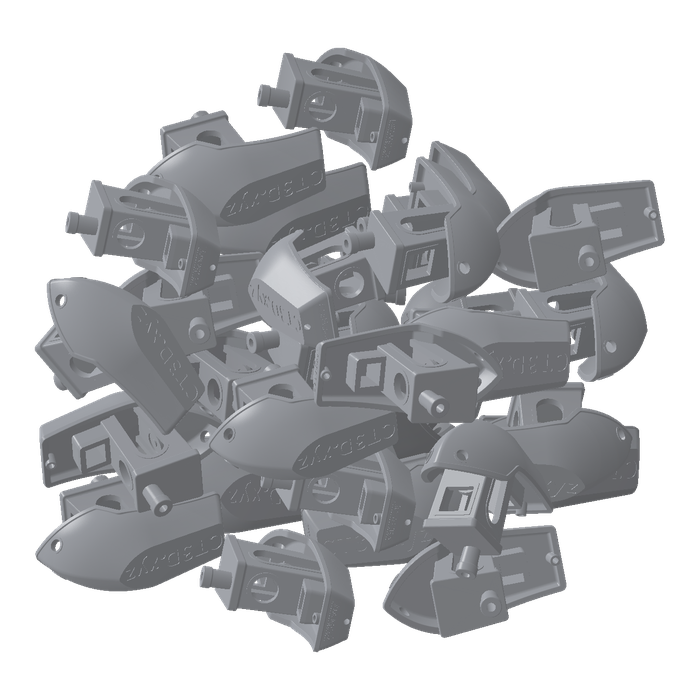
free: FREE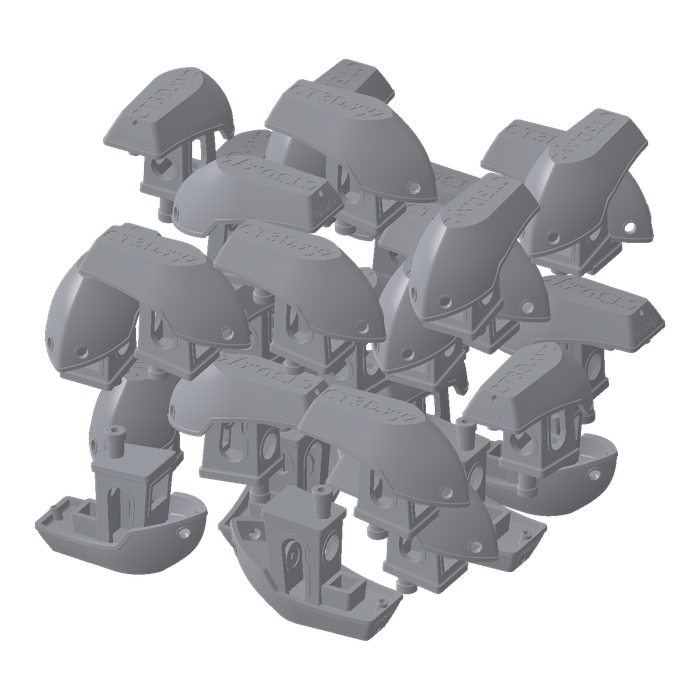
flip: LOCKED_XY_FLIP_ENABLED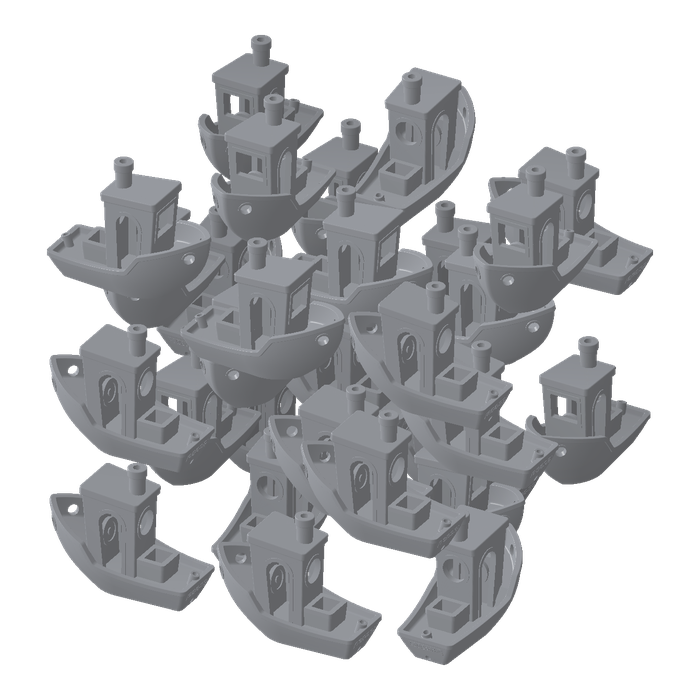
spin: LOCKED_XY_ROTATION_FREE_TRANSLATION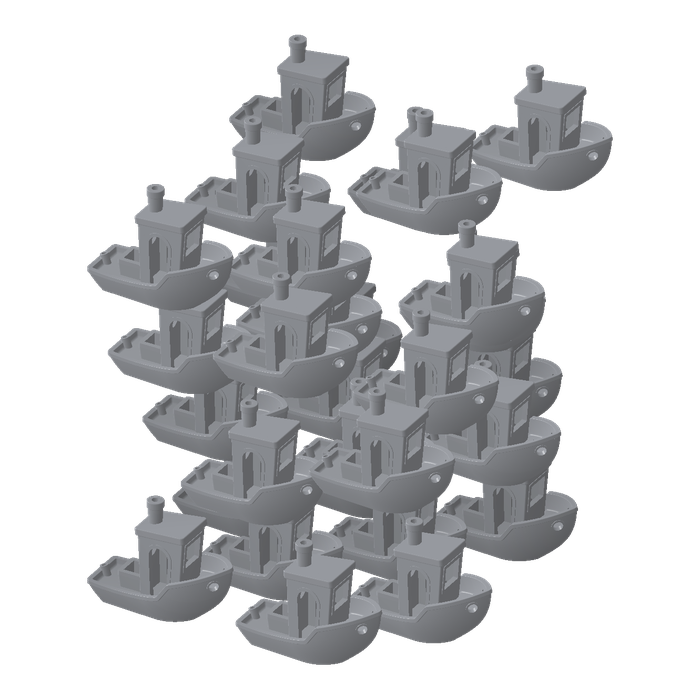
upright: LOCKED_ROTATION_FREE_TRANSLATIONThis example contains three files: pack_modes.py packs the boats, parts.form holds 30 3DBenchy boats on a Fuse 1, all upright, and ATTRIBUTION.md credits the boat.
The #3DBenchy model, from 3DBenchy.com, is released under CC0 1.0 Universal.
Choose the lock#
Each mode is a lock for update_models:
# Each mode locks every part the same way before the pack. Every mode passes the same
# seed, so a run of a mode always gives the same build.
MODES = {
    # Packing may move and turn each part any way.
    "free": "FREE",
    # Packing may spin each part about z and turn it upside down, but never tip it
    # on its side.
    "flip": "LOCKED_XY_FLIP_ENABLED",
    # Packing may spin each part about z, but keeps it the right way up.
    "spin": "LOCKED_XY_ROTATION_FREE_TRANSLATION",
    # Packing may move each part, but never turns it.
    "upright": "LOCKED_ROTATION_FREE_TRANSLATION",
}
A lock is set per part. update_models sets it on the parts in model_ids, or on every part when model_ids is left out, so one build can mix locks: some parts kept upright, the rest free. Both auto_pack_models and auto_layout_models respect each part's lock:
| Lock | What packing may do |
|---|---|
FREE | Move and turn the model any way. The default |
LOCKED_XY_FLIP_ENABLED | Move it, spin it about z, and turn it upside down |
LOCKED_XY_ROTATION_FREE_TRANSLATION | Move it and spin it about z |
LOCKED_ROTATION_FREE_TRANSLATION | Move it without turning it |
FULLY_LOCKED | Nothing: the model stays where it is |
Connect to PreForm#
Make sure PreForm is ready to accept connections.
main connects to PreForm at PREFORM_URL:
with FormlabsClient() as client:
    preform = client.preform.connect(base_url=PREFORM_URL)
PREFORM_URL defaults to http://localhost:44388. Set FL_LOCAL_BASE_URL to reach PreForm on another port or host.
Lock and pack the parts#
update_models leaves out model_ids, so it sets the mode's lock on every part, and auto_pack_models packs them:
# PreForm resolves paths from its own working directory.
scene_id = preform.open_form_file(file=str(FORM_FILE.resolve())).scenes[0].scene_id
try:
    # A lock belongs to each part. Without model_ids, update_models sets this
    # lock on every part, and auto_pack_models packs every part.
    preform.update_models(scene_id=scene_id, lock=MODES[mode])
    preform.auto_pack_models(scene_id=scene_id, seed=7)
    preform.save_form_file(file=str(out.resolve()), scene_ids=[scene_id])
finally:
    preform.delete_scene(scene_id=scene_id)
Every mode passes seed=7, so each run of a mode gives the same build.
Run the example#
In a terminal, run the script from the folder you unzipped. With pip, install the Formlabs SDK first; with uv, uv run installs it from the example's pyproject.toml.
python pack_modes.py freeuv run pack_modes.py freeThe modes are free, flip, spin, and upright. The script writes parts.<mode>.form next to parts.form. To try another lock, add a mode to MODES.
-> parts.free.form